


Management software for air operators

The flight deck for your AOC

Automate crew rostering and coordinate your operation.
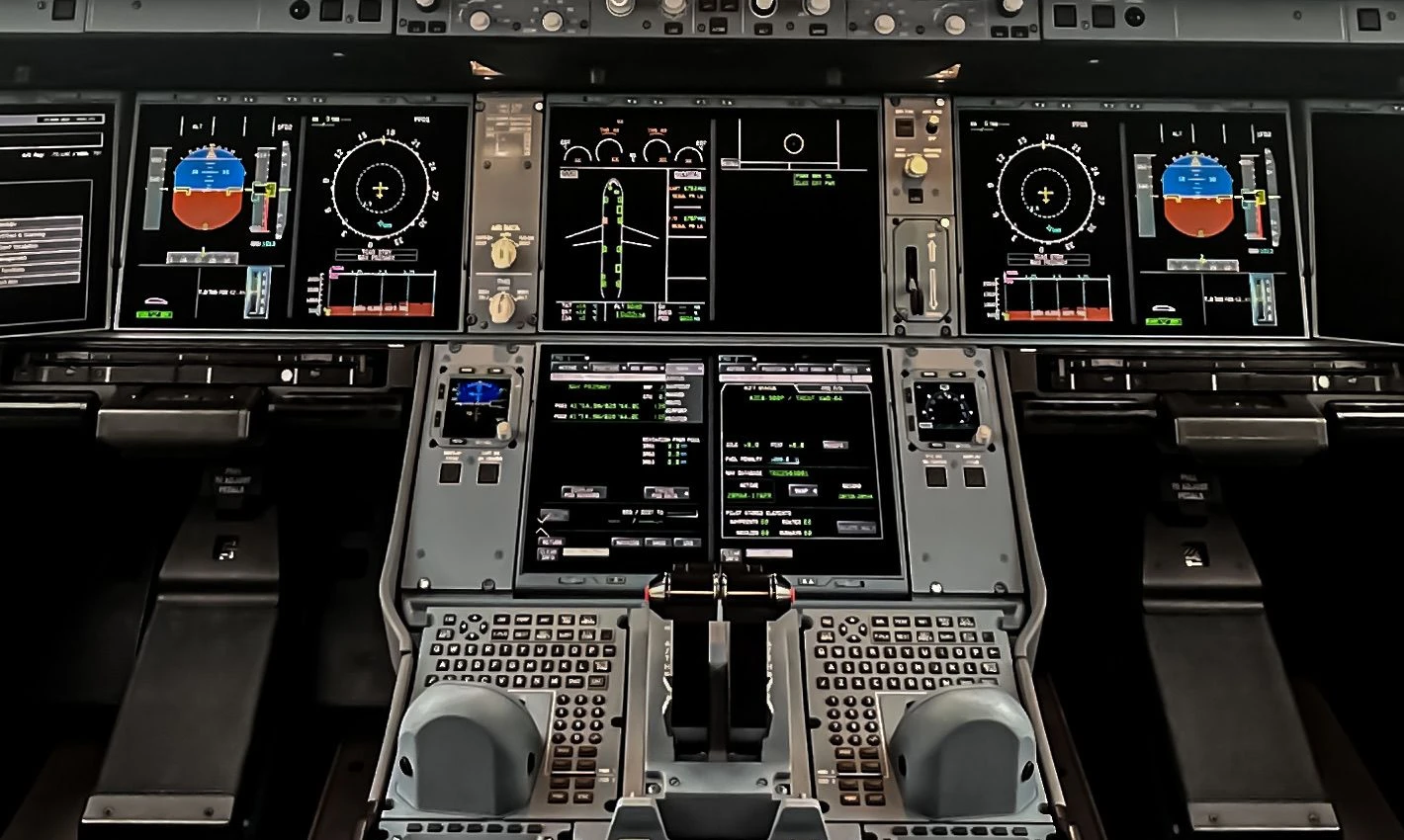
Front view of the flight displays and centre console on the flight deck

LUXIA web and LUXIA CREW

LUXIA in operation

View all modules

Type B EFB application

Hosting and document control for flight crews. Download authorised manuals, forms and other documents to consult offline.

Explore the EFB service

LUXIA CREW

The app that connects air operators with their crews.

LUXIA CREWFeature overview

Submit your scheduling preferences

Submit a request from your personal roster and check its status in the app.

  1. Select a scheduling preference
  2. Submit the request from your roster
  3. Check the status of your request

Crew scheduling

From flight schedule to roster

See a schedule change
  1. 01Commercial flight schedule

    The operator provides its flight schedule.

  2. 02Automated roster proposal

    LUXIA generates crew assignments.

  3. 03Validation and publication

    The planner checks coverage and validates the roster.

OCC and Interline

See a schedule change

Operational control

Oversee the flight schedule as it runs. OCC records each flight's movements, generates its MVT messages and automatically sends operational emails to the configured recipients.

  • Flight Watching In Fleet, check the aircraft's last reported position, its source and the UTC timestamp.
  • Flight Monitoring Follow flight progress in Fleet and compare the current schedule with actual movements recorded in OCC.
  • Movement messages (MVT) Generate MVT messages from recorded movements such as block-off and block-on and email them to the configured distribution list.
  • On-time performance Compare actual departure and arrival movements with the current schedule. Review delays and early departures, with delay codes and reasons.
  • Schedule execution View the timeline by aircraft and manage schedule changes and cancellations with a revision history.
Explore Fleet

Interline and accommodation

Whenever the published roster changes, LUXIA automatically books or cancels the relevant hotels and alerts Crew Control if a crew member needs positioning.

  1. Automated bookings and cancellations Update accommodation for affected crew members in line with the revised published roster.
  2. Automatic positioning alert Notify Crew Control which tickets are needed so the team can arrange their purchase.
  3. Auditable Log of Changes Keep a history of roster changes, hotel bookings and cancellations, and related positioning actions.
Explore Roster

Product catalogue

LUXIA modules

AgendaEvents, tasks and due dates

Organise team activity and bring dates that require follow-up into a shared calendar.

  • Activity planning Switch between the month and list views to see meetings, deadlines, tasks and scheduled procedures.
  • Events from Messages Create or receive events through corporate messaging and view them in Agenda without entering the details again.
  • Personal reminders Set reminders for shared events you need to attend to. Reminders appear on your Dashboard.
  • Coordination across teams View shared work dates in one place according to your permissions and return to the event for its details.
AirportsEASA categorisation and briefing acknowledgements by flight

Airports gives the operator oversight from aerodrome assessment to pre-flight briefing acknowledgement.

  • Aerodrome directory Search by ICAO code, IATA code or name. View maps, runways, reference frequencies, data sources and update dates.
  • Step-by-step A, B or C categorisation Follow a guided process that applies the EASA Air Ops criteria relevant to the operation. The responsible person documents the assessment and sources, and the operator approves the category.
  • Version-controlled Airport Briefings Prepare and publish briefings covering procedures, threats, mitigations, weather and alternates. Each publication retains its revision.
  • Briefing acknowledgement before each flight Check whether each crew member acknowledged the applicable briefing before departure. Identify outstanding or late acknowledgements and retain evidence of the revision read.
  • Access from LUXIA CREW Crew members can consult the published briefing and acknowledge it in the app. Previously downloaded briefing content is available on the EFB.
DashboardTasks, alerts and team oversight

Give each manager a view of the actions that need their attention, with access to the records that triggered them.

  • Personal and team workload View your own tasks, your team's tasks and the tasks you have assigned separately. Check who is responsible for each action and its status.
  • Priorities and due dates Identify overdue, urgent and upcoming actions, and see which are still open.
  • Trace each action Open the source record and follow an action from assignment to closure.
  • Procedures and continuous improvement Consult internal procedures and their checklists. Follow up on improvement proposals according to your role.
  • Alerts and coordination View Agenda reminders, communications and summaries for your enabled modules.
DepartmentsOrganisation chart, roles and responsibilities

See how the operator is organised and who is responsible for each area.

  • Company structure View the operator and departmental organisation charts, including teams, managers and vacancies.
  • Roles and responsibilities Open a role profile to see responsibilities and professional experience where that information is available and authorised.
  • Organisational assignments Link each person to their department, position and responsibilities using the Users master record.
  • Departmental oversight Bring each team's actions, procedures and activity into one view.
FleetFlight Watching and Flight Monitoring

Connect aircraft registrations, the schedule and actual movements to track each flight's position and progress in Fleet.

  • Aircraft register View fleet registrations and their links to scheduled flights. Filter the view to the aircraft you want to follow.
  • Flight Watching See each aircraft's last reported position on the map. The source and UTC timestamp show how recent the data is.
  • Flight data Depending on the connected source, view callsign, origin, destination, altitude, ground speed and heading.
  • Flight Monitoring Follow flight progress and compare the published schedule with actual movements recorded in OCC.
  • OCC coordination View Fleet tracking alongside schedule revisions and cancellations to keep the flight's context up to date.
KPIsDepartment-specific KPIs and SPIs with controlled access

Each department manages its own key performance indicators (KPIs) and safety performance indicators (SPIs). Configurable access protects each area's data.

  • Departmental KPIs and SPIs Define indicators that suit each team's activity, including sources, formulas, targets and thresholds.
  • Configurable access Define who can view, manage and publish indicators in each department. Results are available to authorised roles.
  • Trend monitoring Compare results by period in areas such as on-time performance, scheduling, activity and document control, depending on data availability.
  • Controlled publication Review and publish versioned results in line with the responsible team's permissions.
  • From indicator to action Consult the source record, track corrective actions and assess their effectiveness against subsequent results.
LibraryDocument control, Manage Distribution and Track

Control the full lifecycle of manuals, documents and forms. Publish the authorised revision, choose its recipients and check who has acknowledged it.

  • Document catalogue Organise manuals, documents and forms into collections and folders. Use search and filters to find the revision you need and open the original PDF in the viewer.
  • Revisions and publication See each document's status, dates and history. Publish the authorised revision and retain evidence of the version distributed.
  • Manage Distribution Manage distribution by document, folder or collection. Select recipients by individual, role, department or group, and configure access, downloads, tracking and notifications independently.
  • Track Manuals, Track Documents and Track Forms View the first opening and explicit acknowledgement by individual and revision. Identify outstanding or late acknowledgements and manage reminders in line with operator settings.
  • Documentary evidence See which revision was published, who received it and who acknowledged it. The history preserves traceability when a new revision is published.
  • Offline flight documentation Make the authorised revision available for crews to download and consult on the Type B EFB.
ReportsOperational reports and distribution

Turn operational records into departmental reports and share them with the authorised teams.

  • Operational reports Generate and save reports by period on on-time performance, schedule changes, crew activity, positioning, document acknowledgements or hotel quality, depending on connected sources.
  • Report distribution Share reports internally or download them as PDF or Excel where the report type and permissions allow.
  • Traceability View the revision history, owners and dates associated with records and reports.
SafetyOccurrence reporting, Hazard Log and safety actions

Centralise operational safety reports and follow up on hazards, mitigations and actions.

  • Safety and occurrence reporting Record and manage operational safety reports in a dedicated workspace.
  • Automatic Hazard Log LUXIA generates the Hazard Log from hazards documented in Risk Analysis. Each entry retains its links to the assessment, mitigations and follow-up actions.
  • ECCAIRS 2 and authorities LUXIA can connect to ECCAIRS 2 to submit occurrence notifications to the competent aviation authority. Submission is configured for the channel enabled in each country.
  • Safety action tracking Review owners, progress and supporting evidence for safety actions.
ComplianceCompliance monitoring and evidence

Monitor the EASA and IOSA requirements applicable to your operation and bring the supporting evidence together.

  • Operational requirements Review records and evidence for the requirements in scope, including flight time, duty and rest checks under the operator’s FTL scheme.
  • Document control Consult published revisions, distribution and reading acknowledgements through Library.
  • Traceability and corrective actions Review records, revisions, owners and dates. Follow up on corrective actions and assess their effectiveness against the evidence and indicators available.
Risk AnalysisDepartment-specific risk matrices and criteria

Each department carries out its own assessments using a method adapted to its activity and the operator's criteria.

  • Hazard identification Document the hazard, its context, potential consequences and existing controls.
  • Automatic Hazard Log entry Documented hazards automatically populate the Safety team's Hazard Log and remain linked to their assessment.
  • Likelihood and consequence Assess likelihood based on expected frequency and measure the severity of consequences against the department's criteria.
  • Operator-specific configuration Adapt matrices, consequence scales and acceptance thresholds to each department and the operator's procedures.
  • Initial and residual risk Compare the initial assessment with the risk remaining after mitigations have been applied.
  • Ownership and follow-up Review actions, owners, history and approval in line with the operator's procedure.
RosterAutomated rostering, FTL and publication

Turn the commercial flight schedule into a proposed roster with minimal manual intervention. The planner retains control of validation and publication.

  • Version-controlled commercial schedule Import the flight schedule and its revisions. The planner can identify the working version and the flights that need coverage.
  • Automatic generation LUXIA proposes assignments for flights, positioning and other duties based on availability, qualifications and configured rules.
  • FTL checks Check duty and rest limits, coverage and issues before validation. View standby, training, rest and absences alongside assignments.
  • Publication and history Publish a validated revision and retain the change history. Each crew member can view their flights and duties in LUXIA CREW.
  • Changes after publication The published roster feeds the Interline workflow. When it changes, LUXIA updates hotel bookings and alerts Crew Control when positioning tickets are needed.
Staff ManagementGround staff scheduling and availability

Plan ground staff shifts and rosters by department. Check availability before scheduling and manage requests and balances in one view.

  • Ground staff scheduling Build rosters by department and see assigned shifts alongside absences and days off.
  • Annual leave, public holidays and time off in lieu Manage annual leave, public holidays and compensatory days off. Check balances to plan around the team's actual availability.
  • Requests and approvals Record staff requests, check their status and route approvals to the relevant departmental managers.
  • Availability when scheduling Take approved absences and days off into account when building or adjusting rosters.
  • Appointments and candidates View appointment history and its links to the organisation chart. Manage candidate pools by department.
UsersMaster record, profiles and permissions

Maintain one corporate identity per person so all modules can use the same record.

  • Identity and assignments Manage account status, positions and departmental assignments from the master record.
  • Permissions by action and scope Define access by department, function and validity period. Consult the change history.
  • Identity and operational profile Link each person's record to the operational information used in planning, such as qualifications and expiry dates.
  • Continuity of evidence Changes to position, department or access preserve the person's historical records and documentary evidence.

Operational example

One schedule change,
four perspectives.

Choose a team to see how it handles the schedule change.

Illustrative exampleFlight rescheduling
01 / 04

Assess the operational impact

Flight Operations Management can assess the impact on the current schedule and prioritise changes that require a decision.

  • Overview of the current schedule
  • Operational priorities

Operational compliance

EASA and IOSA requirements

LUXIA meets IOSA requirements applicable to its features and helps the operator manage its EASA requirements. The scope is validated during each implementation.

EASA · Air Ops

Planning and FTL checks

Review flight time, duty and rest against the operator's scheme.

IATA · IOSA

Document control and operational traceability

Controlled documentation, operational records and action tracking.

Implementation

LUXIA for your AOC

  1. 01Define modules and user roles
  2. 02Configure data and connections
  3. 03Validate operational readiness
Request a demo
Commercial aircraft on the apron

Commercial enquiries and demos

Tell us about your operation and what you would like to see. We’ll get back to you with more information or arrange a demo.

info@luxiaaviation.com

Frequently asked questions

About LUXIA

Who is LUXIA for?

Air operators that want to coordinate planning, operational control, crews, safety and compliance across their AOC.

How do LUXIA web and LUXIA CREW work together?

Management teams work in LUXIA web. In LUXIA CREW, crew members can view their roster, submit scheduling requests and file expenses with receipts.

What can crew members access offline?

Flight crews can consult downloaded manuals, forms and other authorised documentation offline. The Type B EFB profile on iPad is configured with the operator during implementation.

What does IOSA compliance cover in LUXIA?

LUXIA's IOSA compliance covers requirements applicable to its features. The AOC holder follows its own procedures and demonstrates compliance with the requirements that apply to its operation.

EASA Air OpsIATA IOSA

What does the planner still do?

LUXIA prepares the roster proposal. The operator's team reviews the assignments, makes adjustments requiring their judgement and validates the schedule.

What can we see in a demonstration?

See how LUXIA builds a roster proposal from a flight schedule and how planning, operational control and crews coordinate changes.

LUXIA demonstration

What would you like to evaluate?

Choose an area to explore its features, or follow the schedule-change example from a team's perspective.

Commercial enquiries and demos

Tell us how we can help. We’ll reply to the email address you provide.

Contact phone

info@luxiaaviation.com